ThothCTL MCP Integration
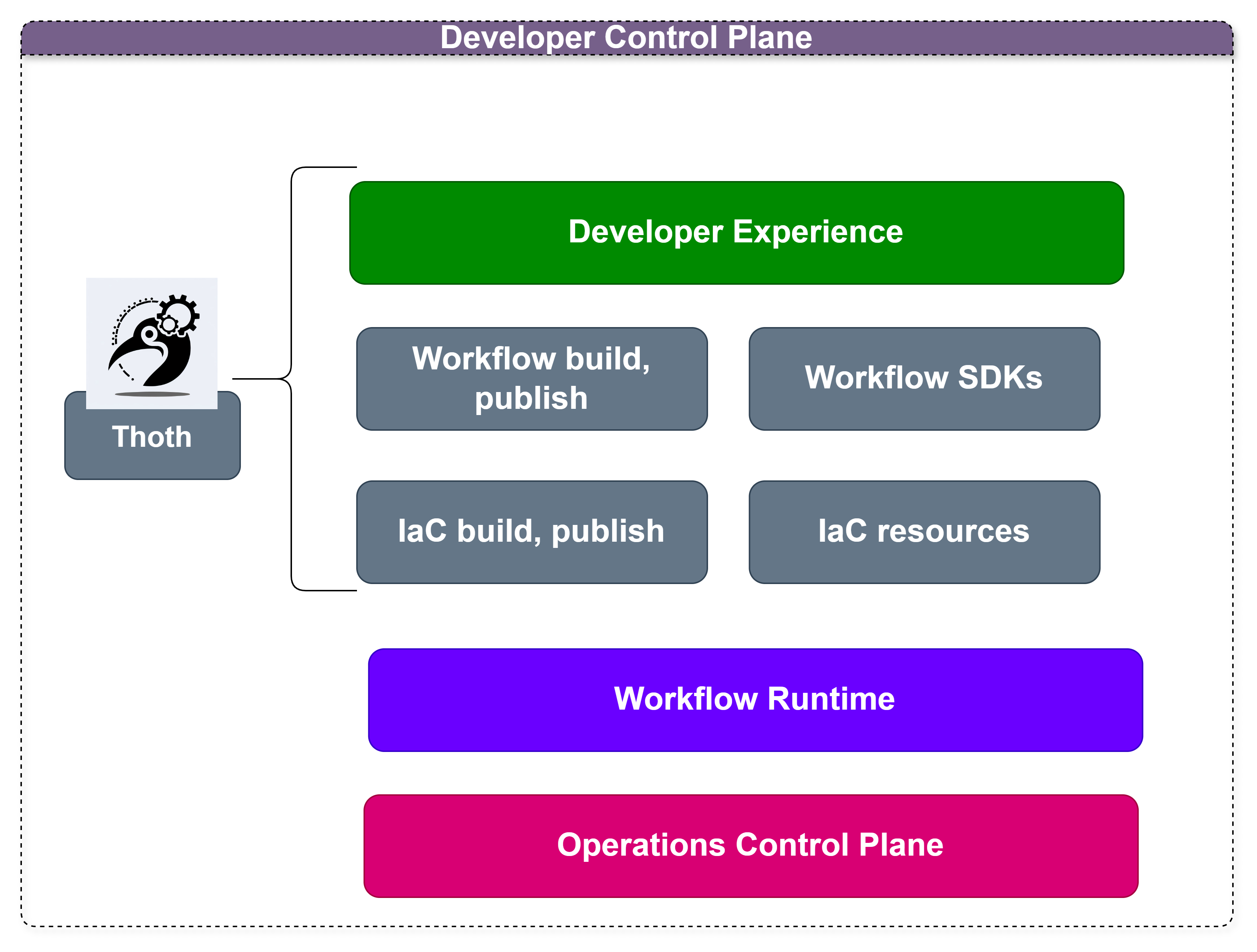
ThothCTL supports the Model Context Protocol (MCP), allowing AI assistants like Kiro CLI (Amazon Q) to interact with ThothCTL functionality directly. This integration enhances developer productivity by enabling natural language interactions with your Internal Developer Platform.
What is MCP?
Model Context Protocol (MCP) is an open protocol that standardizes how applications provide context to Large Language Models (LLMs). MCP enables communication between the system and locally running MCP servers that provide additional tools and resources to extend LLM capabilities.
MCP Commands
ThothCTL provides several MCP-related commands:
Available commands:
server- Start the MCP server for ThothCTLregister- Register the MCP server with Amazon Qstatus- Check the status of the MCP server
For detailed documentation on each command, see the MCP Command Documentation.
Starting the MCP Server
To start the ThothCTL MCP server:
This will start the MCP server on port 8080 (default).
Registering with Kiro CLI
To use ThothCTL with Kiro CLI (Amazon Q), you need to register the MCP server:
Once registered, you can interact with ThothCTL through Kiro CLI using natural language:
Checking Server Status
To check if the MCP server is running:
Troubleshooting
Common Issues
MCP Server Fails to Load
If you encounter an error like:
✗ thothctl has failed to load after 0.02 s
 - No such file or directory (os error 2)
 - run with Q_LOG_LEVEL=trace and see $TMPDIR/qchat for detail
This typically means one of the following:
-
ThothCTL is not in your PATH: Ensure that ThothCTL is properly installed and available in your system PATH.
-
MCP Server is not running: Start the MCP server before using it with Amazon Q.
-
MCP configuration file is missing or corrupted: Amazon Q Developer CLI stores MCP server configurations in JSON files.
Configuration file locations:
- Global Configuration: ~/.aws/amazonq/mcp.json - Applies to all workspaces
- Workspace Configuration: .amazonq/mcp.json - Specific to the current workspace
The MCP configuration file should have this structure:
{
  "mcpServers": {
    "thothctl": {
      "command": "thothctl",
      "args": ["mcp", "server"],
      "env": {},
      "timeout": 60000
    }
  }
}
To recreate the configuration:
For more detailed troubleshooting, see the MCP Command Documentation.
Example Interactions
With the MCP server running and registered with Amazon Q, you can use natural language to interact with ThothCTL:
- "List all projects managed by ThothCTL"
- "Scan my infrastructure code for security issues"
- "Generate IaC for my project"
- "Create an inventory of my infrastructure components"
- "Initialize a new project with ThothCTL"
- "Detect drift in my production infrastructure filtered by env=prod"
- "Check if my terraform code has drifted and analyze the risk with AI"
Available Tools (22)
The MCP server exposes the following ThothCTL commands as tools:
Project Management
| Tool | Description |
|---|---|
thothctl_init_project |
Initialize a new project (terraform, tofu, cdkv2, terragrunt, custom) |
thothctl_remove_project |
Remove a project from local tracking |
thothctl_list_projects |
List all projects managed by thothctl |
thothctl_project_bootstrap |
Bootstrap existing projects with ThothCTL support |
thothctl_project_cleanup |
Clean up residual files and directories |
thothctl_project_convert |
Convert project to template or between formats |
thothctl_project_upgrade |
Upgrade project scaffold from remote template |
Space Management
| Tool | Description |
|---|---|
thothctl_init_space |
Initialize a new space |
thothctl_remove_space |
Remove a space |
thothctl_list_spaces |
List all spaces |
thothctl_get_projects_in_space |
Get projects in a specific space |
Security & Compliance
| Tool | Description |
|---|---|
thothctl_scan_iac |
Scan IaC for security issues (Checkov, Trivy, KICS, OPA) |
thothctl_check_environment |
Check development environment tools |
thothctl_check_iac |
Check IaC artifacts (plans, structure) |
thothctl_check_project |
Validate project structure |
Cost & Drift Analysis
| Tool | Description |
|---|---|
thothctl_cost_analysis |
Estimate AWS costs from Terraform plans or CloudFormation templates |
thothctl_drift_detection |
Detect infrastructure drift with tag filtering, policy enforcement, and AI analysis |
AI-Powered Review
| Tool | Description |
|---|---|
thothctl_ai_review |
Multi-mode AI security analysis: analyze, decide, improve, orchestrate |
Infrastructure Tooling
| Tool | Description |
|---|---|
thothctl_inventory_iac |
Create IaC composition inventory |
thothctl_document_iac |
Generate documentation for IaC projects |
thothctl_generate_stacks |
Generate infrastructure stacks |
thothctl_list_templates |
List available templates from VCS providers |
Utility
| Tool | Description |
|---|---|
thothctl_version |
Get ThothCTL version |
thothctl_upgrade |
Upgrade thothctl to latest version |
Tool Details
thothctl_cost_analysis
Estimate AWS infrastructure costs from Terraform plans or CloudFormation templates.
| Parameter | Type | Default | Description |
|---|---|---|---|
recursive |
bool | false |
Search recursively for plan files |
thothctl_drift_detection
Detect infrastructure drift with tag filtering, policy enforcement, coverage trending, and AI-powered analysis.
{
  "recursive": true,
  "tftool": "tofu",
  "filter_tags": "env=prod,team=platform",
  "ai_provider": "ollama",
  "ai_model": "llama3"
}
| Parameter | Type | Default | Description |
|---|---|---|---|
recursive |
bool | false |
Scan subdirectories |
tftool |
string | "tofu" |
terraform or tofu |
filter_tags |
string | null |
Filter by tags: env=prod,team=* |
ai_provider |
string | null |
AI provider: openai, bedrock, azure, ollama |
ai_model |
string | null |
Model override: gpt-4, llama3 |
thothctl_ai_review
AI-powered security analysis and code review for Infrastructure as Code.
{
  "provider": "ollama",
  "mode": "analyze",
  "severity": "high",
  "agents": ["security", "architecture", "fix"]
}
| Parameter | Type | Default | Description |
|---|---|---|---|
provider |
string | — | openai, bedrock, azure, ollama |
mode |
string | "analyze" |
analyze, decide, improve, orchestrate |
severity |
string | — | Min severity for fix generation (improve mode) |
agents |
array | all | Agents to run in orchestrate mode |
Architecture
ThothCTL MCP exposes two server modes:
src/thothctl/services/mcp/
├── stdio_server.py          ← stdio mode (Kiro, Amazon Q, Claude Code, Copilot)
└── simple_http_server.py    ← HTTP mode (network integrations, CI/CD)
Stdio mode (thothctl mcp server --stdio):
- Used by AI coding assistants via MCP protocol over stdin/stdout
- Each tool maps to a subprocess call to the thothctl CLI
- 22 tools at full feature parity
HTTP mode (thothctl mcp server -p 8080):
- REST endpoints: GET /tools, POST /execute, GET /health
- CORS-enabled for browser/network integrations
- Same 22 tools via subprocess execution
Space Management
The space management features allow you to:
- Create logical groupings of projects
- Share credentials and configurations across projects in the same space
- Maintain consistent version control, terraform, and orchestration settings
- Simplify management of related projects
Security Considerations
The MCP server is designed to run locally and should not be exposed to the public internet. It does not implement authentication or encryption, as it's intended for local use only.
Benefits of MCP Integration
- Increased Developer Productivity: Interact with ThothCTL using natural language
- Simplified Workflows: Combine multiple ThothCTL commands in a single request
- Contextual Awareness: AI assistants can understand the context of your projects
- Reduced Learning Curve: New team members can use ThothCTL without memorizing commands
- Enhanced Collaboration: Share complex ThothCTL workflows through natural language descriptions